Uploading Data Using the Web Interface
Requirements
- You are a certified user on Synapse
- You have contacted your DCC Liaison and they’ve provided you with your Synapse Project location
This option would typically be useful for uploading files residing on your local machine to a Synapse cloud storage location. You can follow the steps outlined below to complete a data upload.
Step-by-Step
- Navigate to your project, using the Synapse link provided by your DCC liaison
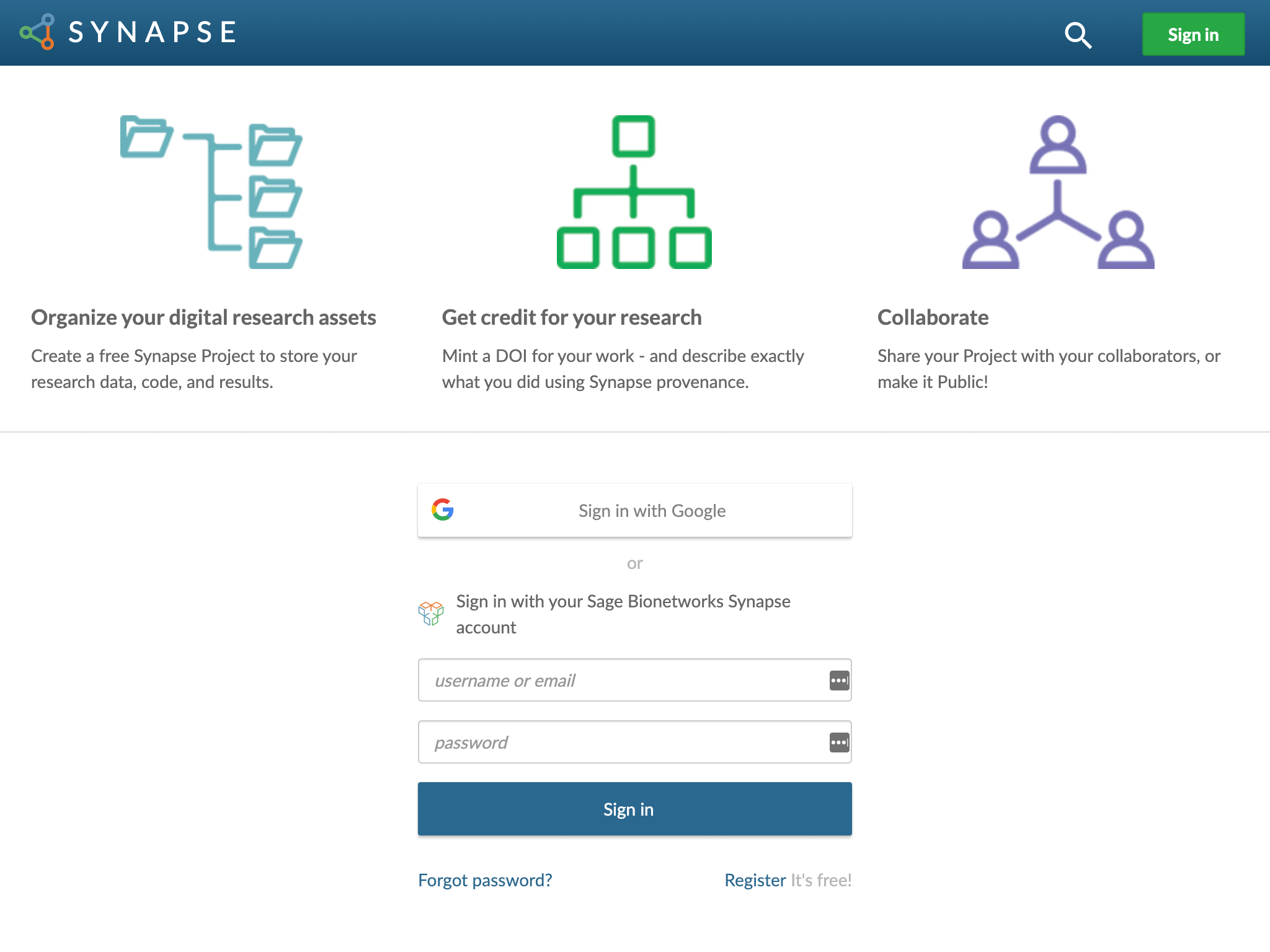
- If prompted, please login with your Synapse account (or an associated Google account).
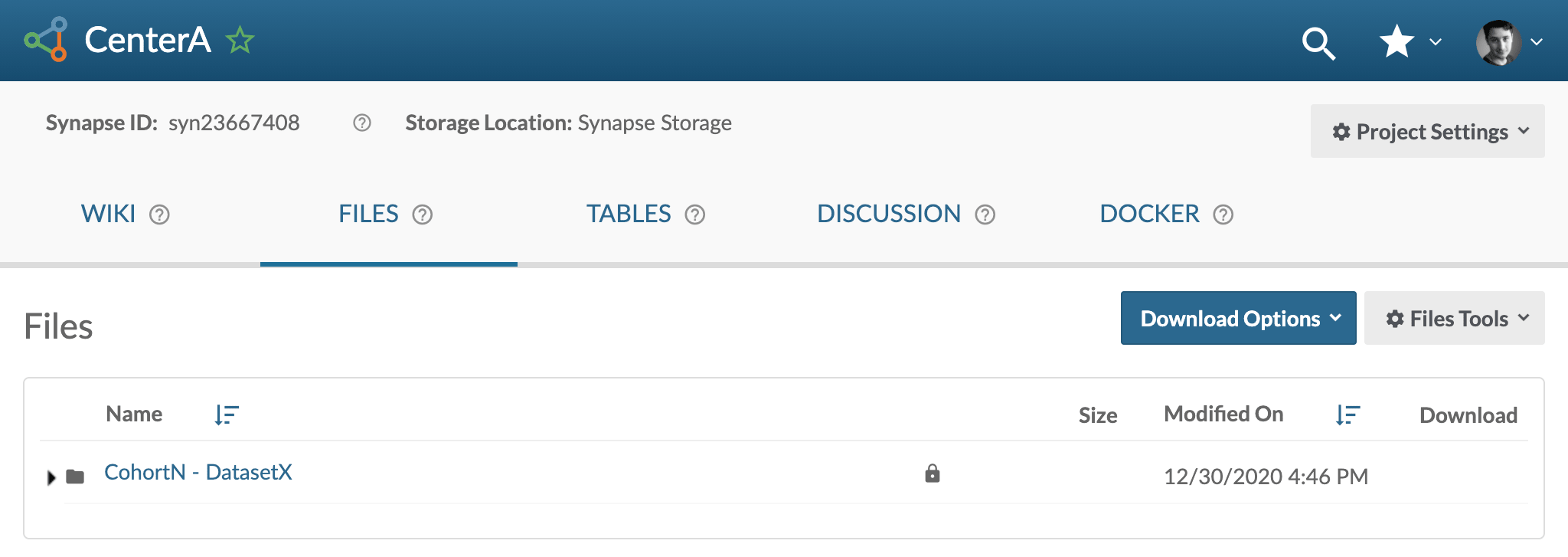
- Create a folder to store your first dataset.
- Go to the Files tab
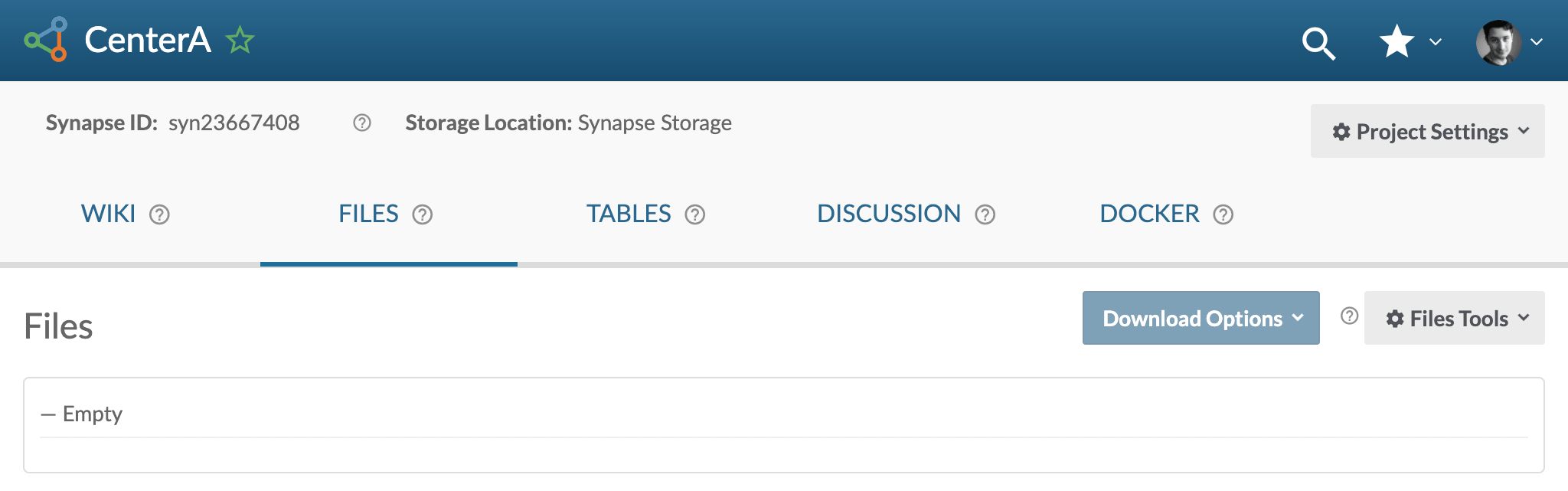
- Create a folder (click on Files Tools -> Add New folder)
-
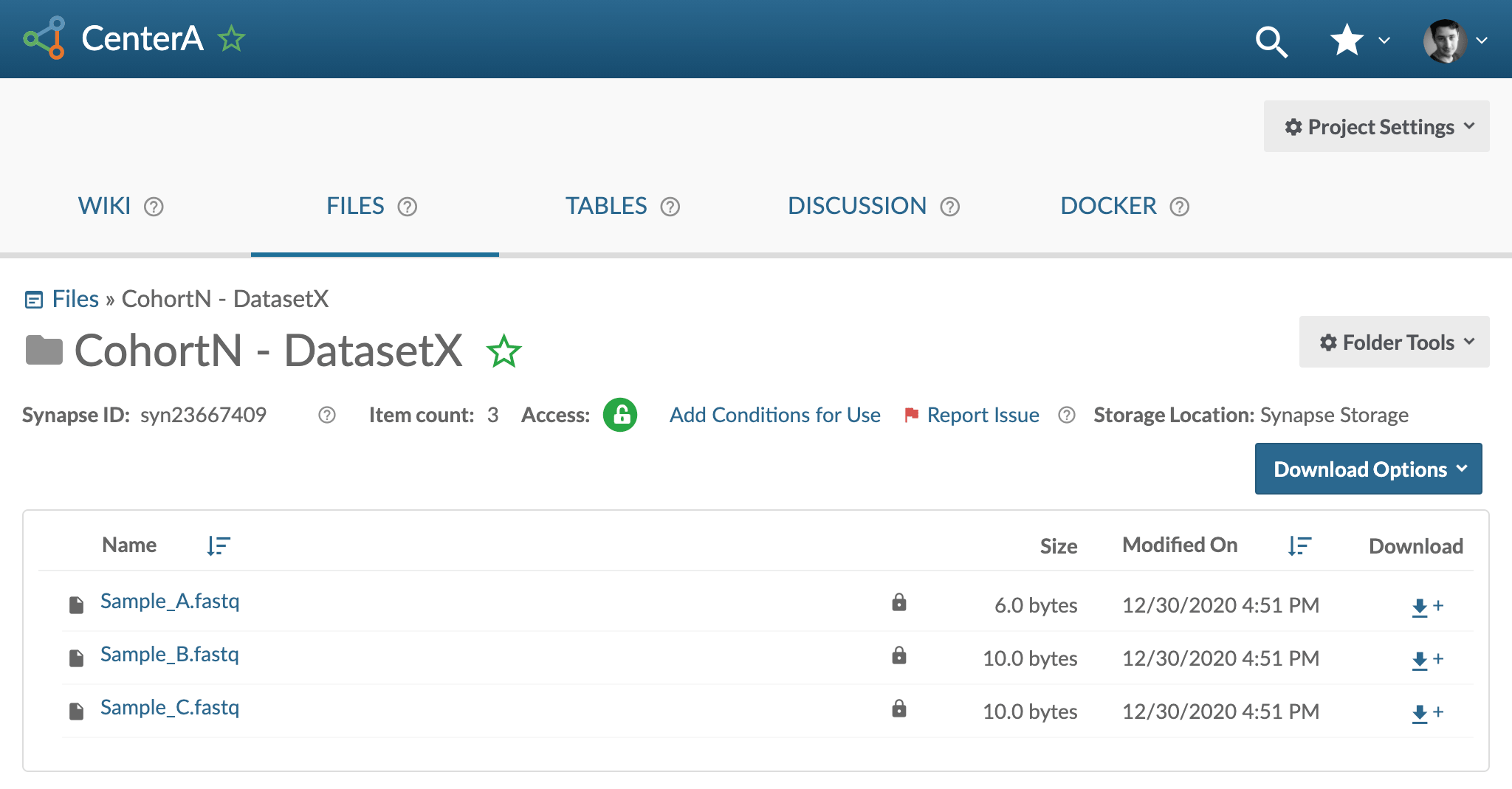
Go to your folder and upload the files from your dataset (click on Folder Tools -> Upload or Link to a File)
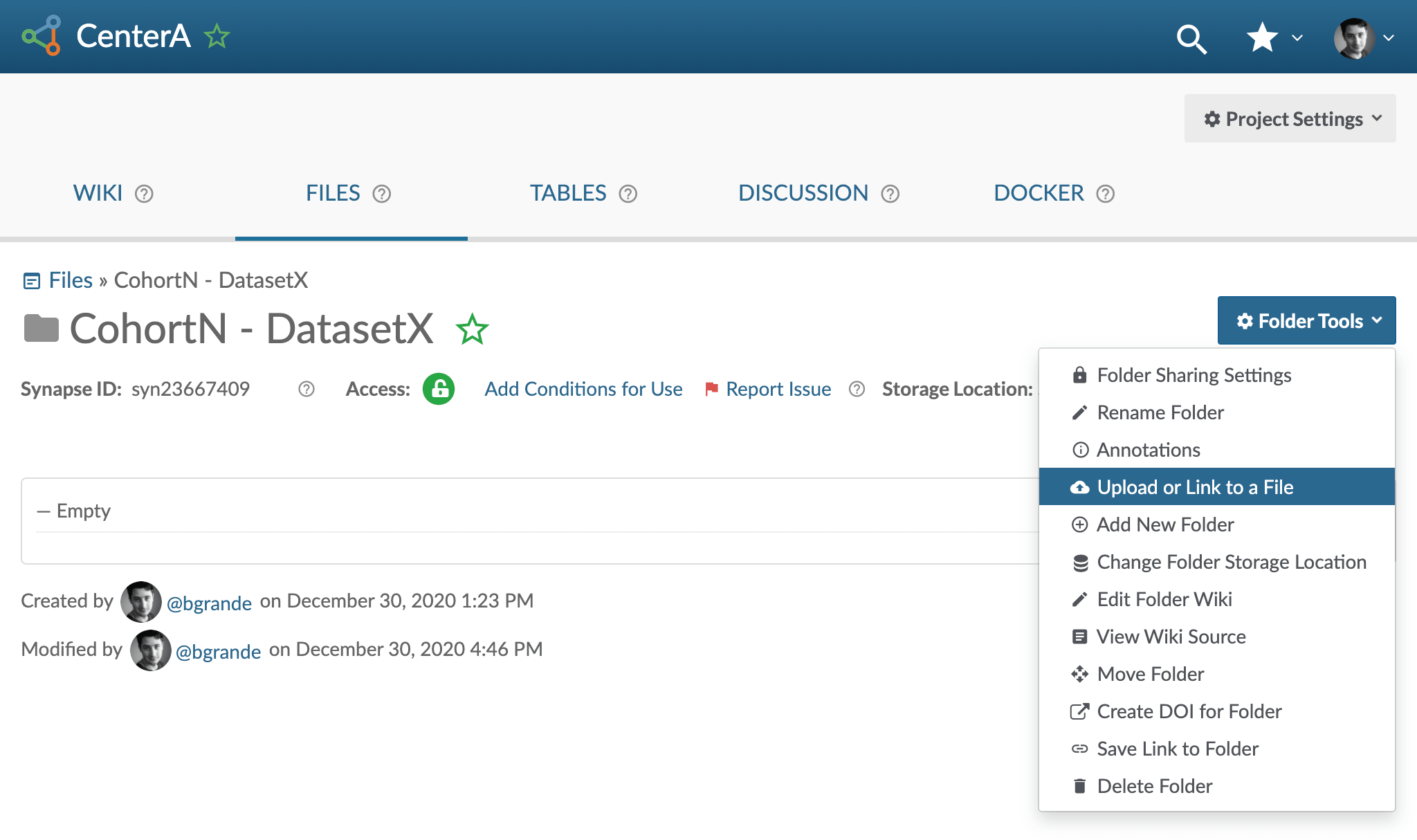
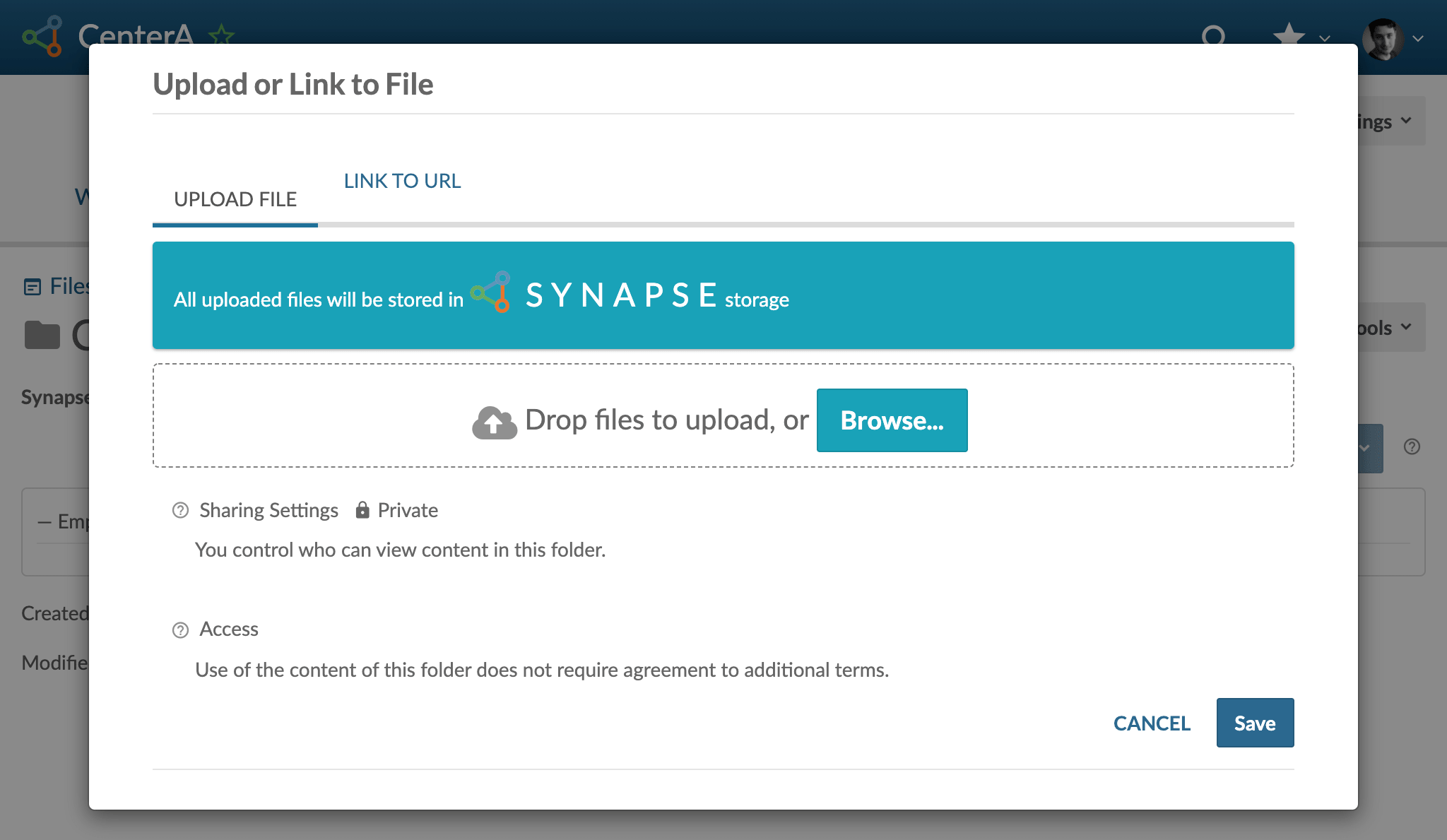
-
Once uploaded you can preview your files: